
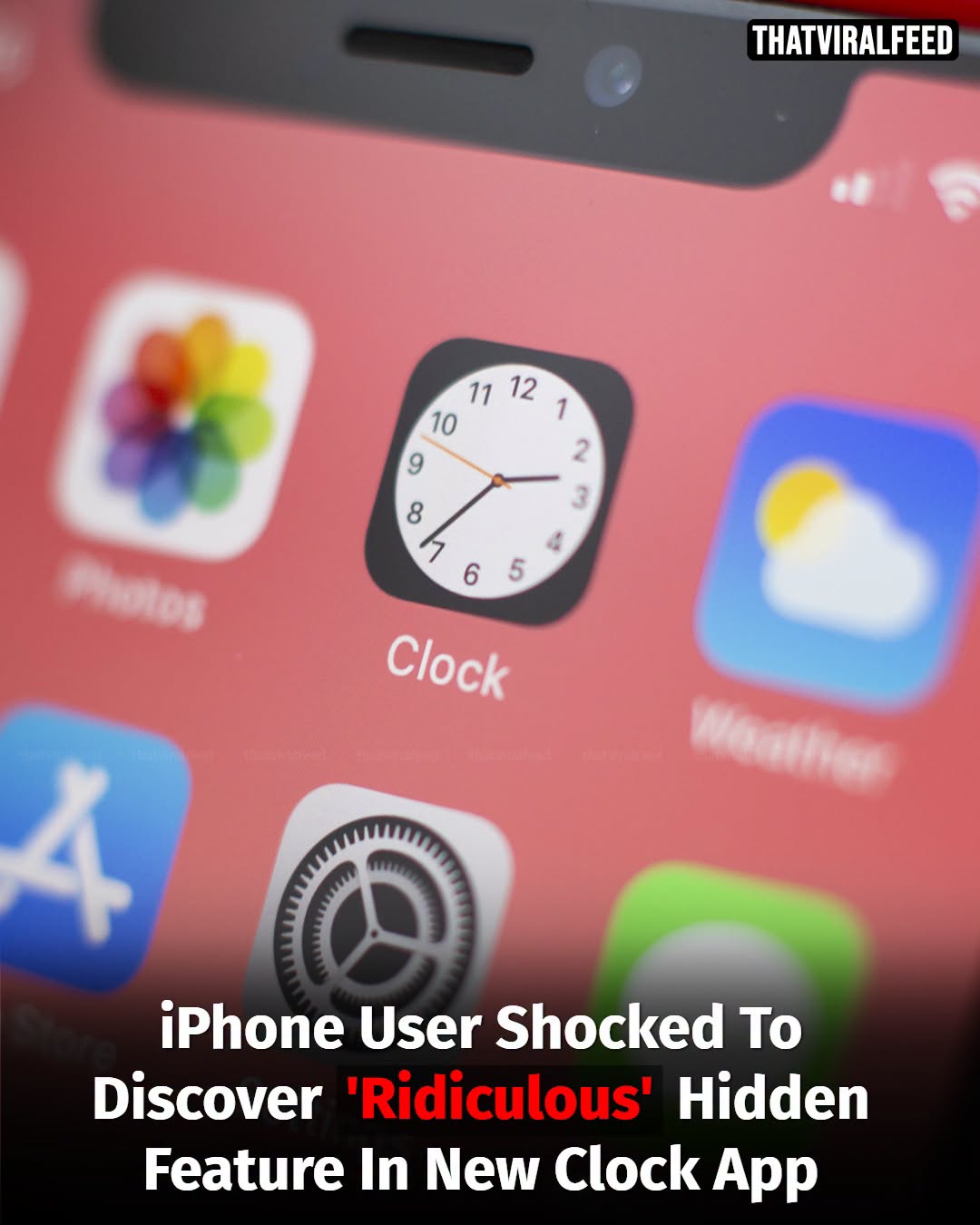
Millions of people use their iPhones every day without realizing that one of the device’s most familiar icons contains a subtle hidden feature. The Clock app icon is not just a static image it actually displays the current time and updates in real time. While many users glance at the icon regularly, a surprising number never notice that the hands on the miniature clock move throughout the day to match the actual time on their device. Once discovered, the feature often leaves users wondering how they missed it for so long.
The detail has recently gone viral on social media, where iPhone owners have been sharing their reactions after learning that the icon functions as a real clock rather than a simple graphic.
How the Feature Works
Unlike most app icons, Apple’s Clock app is dynamic. The hour, minute, and second hands continuously update to reflect the current time on the device. The feature has been available for years, but many users remain unaware because the icon is relatively small and rarely receives close attention. The movement becomes easier to notice when watching the icon for a few seconds, particularly the sweeping second hand. Apple designed the icon to mimic a traditional analog clock, allowing it to serve as both an app shortcut and a tiny functioning timepiece on the home screen.
Another Hidden Battery-Saving Trick
The viral discussion surrounding hidden iPhone features has also renewed interest in Low Power Mode, one of Apple’s most useful battery-management tools. Low Power Mode reduces background activity and limits certain functions in order to extend battery life when the battery level becomes low. Many users activate the feature only when prompted at 20 percent battery, but it can be turned on manually at any time. When enabled, several visual changes occur. One of the most noticeable is that the battery icon changes from green or white to yellow, providing an immediate indication that Low Power Mode is active.
What Happens When Low Power Mode Is Enabled
Activating Low Power Mode helps conserve energy by temporarily reducing or disabling some background tasks. These may include:
Automatic downloads.
Background app refresh.
Certain visual effects.
Some email fetching functions.
Performance-intensive processes.
Despite these limitations, most everyday activities such as messaging, browsing, calling, and using social media continue to work normally. Many iPhone users regularly rely on the feature when traveling, during long workdays, or whenever charging opportunities are limited.
Other Lesser-Known iPhone Features
The Clock icon is just one of many small details built into Apple’s mobile operating system. Over the years, users have discovered numerous hidden functions designed to improve convenience and efficiency.
Some popular examples include:
Back Tap
This accessibility feature allows users to perform actions such as taking screenshots, opening apps, or activating shortcuts by tapping the back of the phone two or three times.
Hidden Trackpad
Pressing and holding the space bar transforms the keyboard into a trackpad, making it easier to position the cursor precisely while editing text.
Visual Lookup
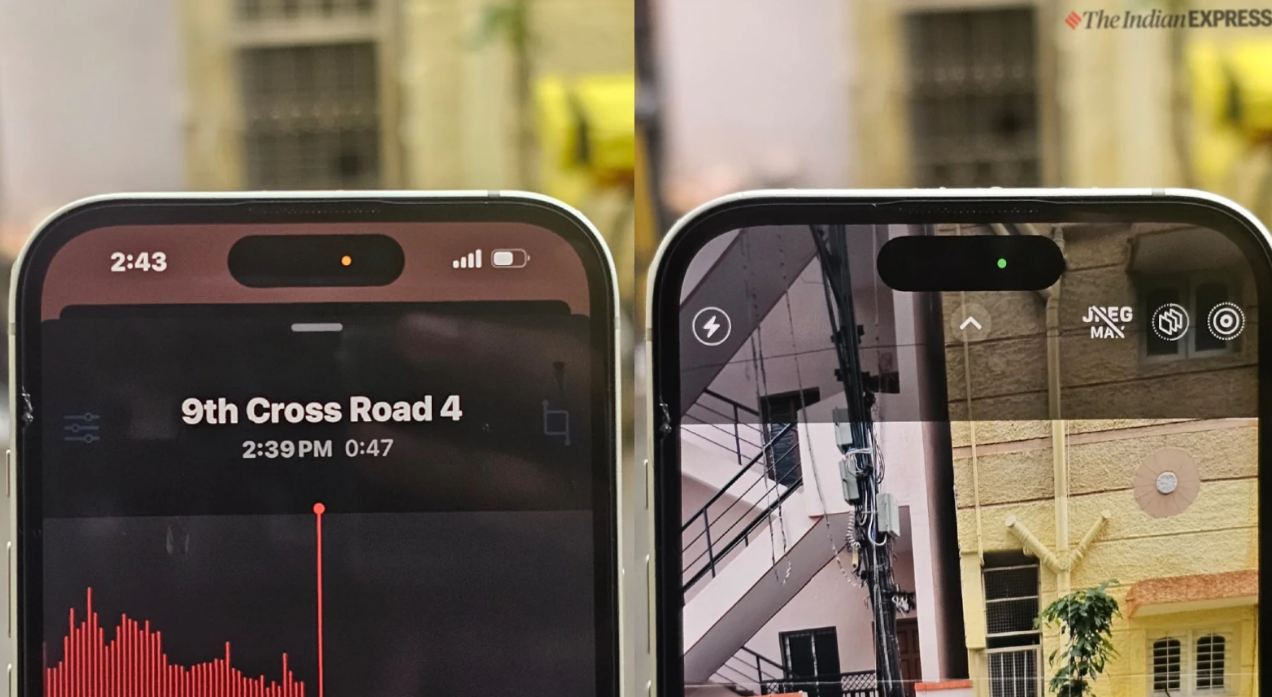
Photos can automatically identify animals, plants, landmarks, and other objects using built-in image recognition technology.
Live Text
Users can copy text directly from photographs without manually typing it. These features often remain unnoticed for years until they gain attention through social media posts or technology discussions.
Why People Love Discovering Hidden Features
Part of the appeal comes from realizing that a device used every day still contains surprises. Small design choices, such as the moving Clock icon, demonstrate the attention to detail that many users appreciate. Technology experts note that modern smartphones include hundreds of functions that most owners never fully explore. As a result, seemingly minor discoveries can quickly become viral topics online. The hidden Clock feature may not dramatically change how people use their iPhones, but it serves as a reminder that even familiar devices can contain details hiding in plain sight. For many users, a qu